Oven — tray jams on runners
Check tray fit only in a cold oven.
Difficulty
Easy
Time
5–25 min
Cost
—
Symptoms
- tray will not slide in straight
Possible causes
1Reversed tray or residue on accessible runners
Less likelyThis is a possible explanation, not a confirmed diagnosis. Compare it with the safe checks below.
- Switch off and confirm the tray and cavity are cool. Compare the tray and runner level with the model manual.
Initial checks
- Switch off and confirm the tray and cavity are cool. Compare the tray and runner level with the model manual.
- Remove only parts intended for cleaning. Use an approved cleaner and dry them. Do not lubricate runners with cooking oil.
- Align the tray with both runners and slide it in while cold. Check stops as instructed. Do not straighten the mechanism with pliers.
Step-by-step repair instructions
- 1
Prepare a safe place
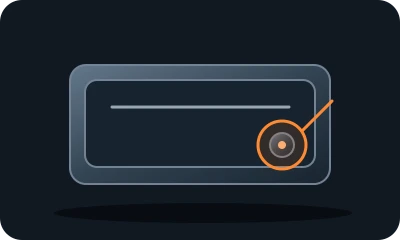
Reference diagram. The marker shows an example inspection area. Follow your model's manual. 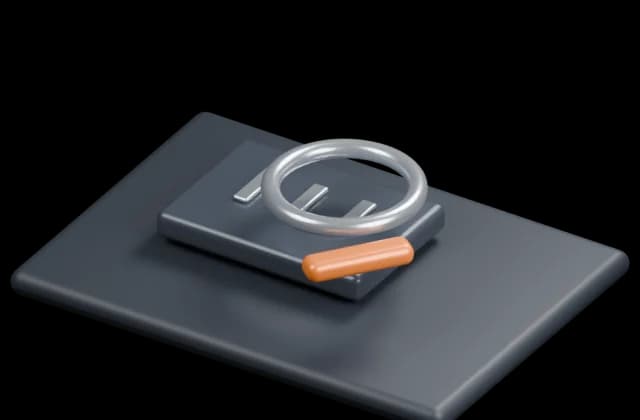
Conceptual illustration. Follow the text and your model's manual. Stop the appliance. Clean it only after safely disconnecting power and allowing it to cool. Identify user-serviceable parts in the model's manual.
Expected result: You understand the model instructions and can safely perform the listed tasks.
About 3 min
Stop if: The model, access or safe preparation is unclear.
- 2
Cool and compare
Reference diagram. The marker shows an example inspection area. Follow your model's manual. Conceptual illustration. Follow the text and your model's manual. Switch off and confirm the tray and cavity are cool. Compare the tray and runner level with the model manual.
Expected result: The correct tray and level are selected.
About 4 min
Stop if: A guard or heating element is damaged.
- 3
Remove accessible residue
Reference diagram. The marker shows an example inspection area. Follow your model's manual. 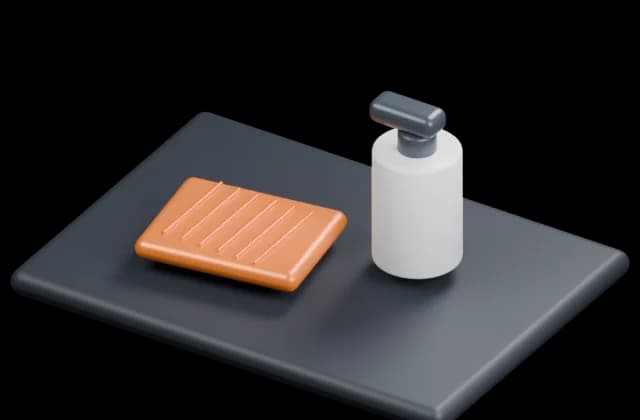
Conceptual illustration. Follow the text and your model's manual. Remove only parts intended for cleaning. Use an approved cleaner and dry them. Do not lubricate runners with cooking oil.
Expected result: Sliding surfaces are free of residue.
About 4 min
Stop if: A runner is bent or detached.
- 4
Slide without force
Reference diagram. The marker shows an example inspection area. Follow your model's manual. 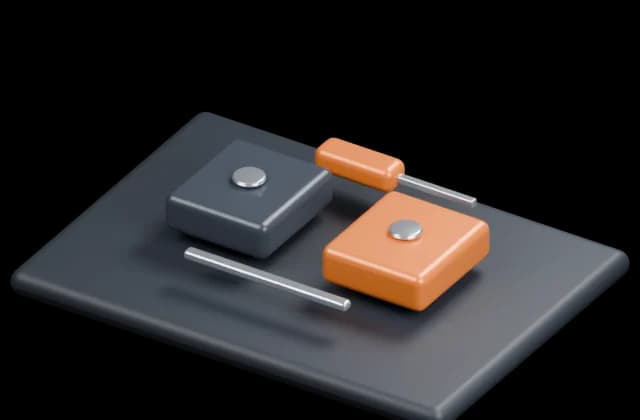
Conceptual illustration. Follow the text and your model's manual. Align the tray with both runners and slide it in while cold. Check stops as instructed. Do not straighten the mechanism with pliers.
Expected result: The tray travels evenly and stays retained.
About 4 min
Stop if: The tray falls out or still jams.
- 5
Check the outcome and save your notes
Reference diagram. The marker shows an example inspection area. Follow your model's manual. 
Conceptual illustration. Follow the text and your model's manual. Restore parts to their normal position as instructed. Perform one brief, safe check. Note what changed after each task; if the fault remains, give a technician the model and a photo of the symptom.
Expected result: The symptom has stopped or you have clear notes for a technician.
About 3 min
Stop if: Damaged runners or stops need compatible parts. Do not heat an oven with an unsecured tray.
When should you call a professional?
Damaged runners or stops need compatible parts. Do not heat an oven with an unsecured tray.
Does your situation look different?
Take a photo — FIXIT will assess your fault and suggest checks for your situation.
Check your problemThis guide is for information only. If unsure, get professional help. In an emergency, call 112.